/* ============================================================
   Fitted Landing — Feature sections
   ============================================================ */

function TrustStrip() {
  const stats = [
    { num: "800", em: "K+", lbl: "Closets digitized" },
    { num: "3.5", em: "M+", lbl: "Pieces cataloged" },
    { num: "4.8", em: "★", lbl: "App Store rating" },
  ];
  return (
    <section className="trust">
      <div className="wrap trust-inner">
        {stats.map((s, i) => (
          <div key={i} className="trust-stat">
            <div className="num">{s.num}<em>{s.em}</em></div>
            <div className="lbl">{s.lbl}</div>
          </div>
        ))}
      </div>
    </section>
  );
}

function BuildCloset() {
  return (
    <section className="section bc-section" id="how">
      <div className="wrap bc-grid">
        <div className="bc-text">
          <span className="eyebrow">Build your closet</span>
          <h2>Build your closet, <em>your way.</em></h2>
          <p><strong>6 easy ways</strong> to add the pieces that fit your style.</p>

          <div className="bc-icons">
            <div className="bc-icon">
              <span className="ic"><Icon name="search" size={22}/></span>
              Search Items
            </div>
            <div className="bc-icon">
              <span className="ic" style={{ color: "#1d4ed8" }}><Icon name="barcode" size={22}/></span>
              Scan Barcode
            </div>
            <div className="bc-icon">
              <span className="ic" style={{ color: "#166534" }}><Icon name="camera" size={22}/></span>
              Import from Fit Pic
            </div>
            <div className="bc-icon">
              <span className="ic"><Icon name="gmail" size={22}/></span>
              Import from Gmail
            </div>
            <div className="bc-icon">
              <span className="ic" style={{ color: "#92400E" }}><Icon name="camera" size={22}/></span>
              Take Photo
            </div>
            <div className="bc-icon">
              <span className="ic" style={{ color: "#6D28D9" }}><Icon name="image" size={22}/></span>
              Choose from Library
            </div>
          </div>
        </div>

        <BuildClosetStage/>
      </div>
    </section>
  );
}

function BuildClosetStage() {
  return (
    <div className="bc-stage" aria-hidden="true">
      <svg className="swirl" viewBox="0 0 520 540" fill="none">
        <path d="M 420 60 C 460 120, 380 180, 460 240" stroke="#C7C7CC" strokeWidth="1" strokeDasharray="3 5" strokeLinecap="round"/>
        <path d="M 50 180 C 30 240, 120 300, 60 360" stroke="#C7C7CC" strokeWidth="1" strokeDasharray="3 5" strokeLinecap="round"/>
        <path d="M 460 320 C 500 380, 420 440, 470 500" stroke="#C7C7CC" strokeWidth="1" strokeDasharray="3 5" strokeLinecap="round"/>
        <path d="M 80 460 C 130 480, 170 460, 200 510" stroke="#C7C7CC" strokeWidth="1" strokeDasharray="3 5" strokeLinecap="round"/>
      </svg>

      <span className="bc-chip c1"><Icon name="camera" size={28}/></span>
      <span className="bc-chip c2"><Icon name="barcode" size={28}/></span>
      <span className="bc-chip c3"><Icon name="gmail" size={28}/></span>
      <span className="bc-chip c4"><Icon name="camera" size={28}/></span>
      <span className="bc-chip c5"><Icon name="image" size={28}/></span>

      <div className="phone">
        <div className="notch"/>
        <div className="screen">
          <div className="scr-add">
            <div className="top-bar">
              <span className="upg"><Icon name="bolt" size={10} stroke={2.4}/> Upgrade</span>
              <span className="gear"><Icon name="settings" size={16}/></span>
            </div>
            <div className="neckworth-head">
              <div className="l">Neckworth <span style={{ fontSize: 10 }}>▾</span></div>
              <div className="v">$15,250</div>
            </div>
            <div className="sheet">
              <div className="sheet-handle"/>
              <div className="sheet-title">Add to Closet</div>
              <div className="sheet-sub">Personalize your closet by adding pieces<br/>in a way that works for you</div>
              <div className="opts">
                <div className="opt on"><span className="gi"><Icon name="search" size={11} stroke={2.4}/></span> Search Items</div>
                <div className="opt"><span className="gi" style={{ color: "#1d4ed8" }}><Icon name="barcode" size={11} stroke={2.4}/></span> Scan Barcode</div>
                <div className="opt"><span className="gi" style={{ color: "#166534" }}><Icon name="camera" size={11} stroke={2.4}/></span> Import from Fit Pic</div>
                <div className="opt"><span className="gi"><Icon name="gmail" size={11}/></span> Import from Gmail</div>
                <div className="opt"><span className="gi" style={{ color: "#92400E" }}><Icon name="camera" size={11} stroke={2.4}/></span> Take Photo</div>
                <div className="opt"><span className="gi" style={{ color: "#6D28D9" }}><Icon name="image" size={11} stroke={2.4}/></span> Choose from Photo Library</div>
              </div>
            </div>
          </div>
        </div>
      </div>
    </div>
  );
}

function AskFittedSection() {
  return (
    <section className="section" id="stylist" style={{ padding: "0" }}>
      <div className="dark-sec">
        <div className="wrap">
          <div className="section-head">
            <span className="eyebrow">AskFitted · AI Stylist</span>
            <h2>A stylist who knows <em>everything</em> in your closet.</h2>
            <p>AskFitted styles you in pieces you already own. Weather-aware, occasion-aware, never repeating the same fit twice.</p>
          </div>

          <div className="ask-grid">
            <div className="ask-bullets">
              <div className="ask-bullet">
                <span className="icn"><Icon name="sparkles" size={18}/></span>
                <div>
                  <h4>"Style me for a rooftop dinner"</h4>
                  <p>Plain-English prompts. AskFitted assembles three fits from pieces in your closet, ranked by your taste.</p>
                </div>
              </div>
              <div className="ask-bullet">
                <span className="icn"><Icon name="cloud" size={18}/></span>
                <div>
                  <h4>Weather + calendar aware</h4>
                  <p>It checks the forecast and your event before suggesting a fit. No more dressing for the wrong season.</p>
                </div>
              </div>
              <div className="ask-bullet">
                <span className="icn"><Icon name="user" size={18}/></span>
                <div>
                  <h4>Your Digital Twin</h4>
                  <p>Virtual try-on every fit on a body model that actually looks like you, before you put it on.</p>
                </div>
              </div>
              <div className="ask-bullet">
                <span className="icn"><Icon name="wand" size={18}/></span>
                <div>
                  <h4>Fit Streaks</h4>
                  <p>Post a daily fit to keep your streak alive. Earn Fitcoin, unlock badges, build your style identity.</p>
                </div>
              </div>
            </div>

            <ChatMock/>
          </div>
        </div>
      </div>
    </section>
  );
}

function ChatMock() {
  return (
    <div className="chat-mock" aria-hidden="true">
      <div className="chat-head">
        <span className="av">AF</span>
        <div>
          <div className="name">AskFitted</div>
          <div className="status">Styling · just now</div>
        </div>
      </div>
      <div className="bub user">Brunch tomorrow, 72° and sunny. What should I wear?</div>
      <div className="bub ai">
        Got it — three light layers from your closet. Picking pieces you've worn least lately:

        <div className="fit-grid">
          <div className="p"><img src="assets/onb_tee.png" alt=""/></div>
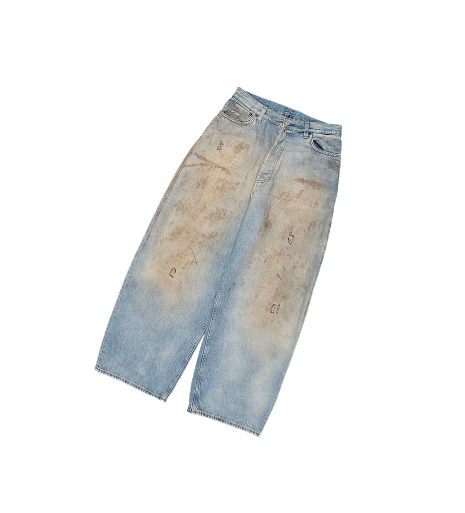
          <div className="p"><img src="assets/onb_jeans.png" alt=""/></div>
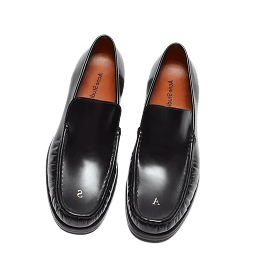
          <div className="p"><img src="assets/onb_loafers.png" alt=""/></div>
        </div>
        <div className="ts">Tap any piece to swap · See on your twin →</div>
      </div>
      <div className="chat-input">
        <span className="field">Ask anything…</span>
        <span className="send"><Icon name="send" size={14} stroke={2.2}/></span>
      </div>
    </div>
  );
}

function ClosetSection() {
  return (
    <section className="section" id="closet">
      <div className="wrap">
        <div className="closet-grid">
          <PhoneCloset/>
          <div>
            <span className="eyebrow">The Closet · Neckworth</span>
            <h3 style={{
              margin: "14px 0 12px",
              fontFamily: "var(--font-display)",
              fontWeight: 700, letterSpacing: "-0.02em",
              fontSize: "clamp(28px, 4vw, 44px)",
              lineHeight: 1.05,
            }}>
              Finally know what your closet is <em style={{ fontFamily: "'Cormorant Garamond', Georgia, serif", fontStyle: "italic", fontWeight: 500, color: "var(--fitted-gold-deep)" }}>actually worth.</em>
            </h3>
            <p style={{ margin: "0 0 20px", color: "var(--gray-600)", fontSize: "clamp(15px, 1.4vw, 17px)", lineHeight: 1.55, maxWidth: 500 }}>
              <strong style={{ color: "var(--fitted-black)", fontWeight: 600 }}>Neckworth</strong> tracks your closet's value over time, piece by piece. Watch it grow as you collect, drop when you sell, and trend up when the market loves what you own.
            </p>
            <ul className="feature-list">
              <li>Live resale pricing on every piece you add</li>
              <li>Value history graph, all the way back to day one</li>
              <li>Sortable by brand, season, cost-per-wear or category</li>
              <li>Compete on the friends Neckworth leaderboard</li>
            </ul>
            <a
              className="btn primary desktop-only"
              href="https://app.fittedcloset.com"
              data-analytics-event="open_web_app_click"
              data-analytics-cta="neckworth_see"
              data-analytics-target="web_app"
            >
              See your Neckworth
              <Icon name="arrow-right" size={16} className="arrow"/>
            </a>
            <div className="mobile-only">
              <StoreBadges analyticsCta="neckworth_mobile"/>
            </div>
          </div>
        </div>
      </div>
    </section>
  );
}

function PhoneCloset() {
  return (
    <div className="phone" aria-hidden="true">
      <div className="notch"/>
      <div className="screen">
        <div className="scr">
          <div className="scr-head">
            <div>
              <div style={{ fontSize: 11, color: "var(--gray-500)", textTransform: "uppercase", letterSpacing: "0.08em" }}>My Closet</div>
              <div className="title">214 pieces</div>
            </div>
            <div className="icons">
              <Icon name="search" size={18}/>
              <Icon name="bell" size={18}/>
            </div>
          </div>

          <div className="neck-card">
            <div className="lbl">Neckworth</div>
            <div className="val">$8,420</div>
            <div className="delta">↑ $240 this week</div>
            <svg className="spark" viewBox="0 0 80 36" preserveAspectRatio="none">
              <path d="M0 26 L10 22 L20 24 L30 18 L40 20 L50 14 L60 12 L70 8 L80 6"
                    stroke="#C9A962" strokeWidth="2" fill="none" strokeLinecap="round" strokeLinejoin="round"/>
              <path d="M0 26 L10 22 L20 24 L30 18 L40 20 L50 14 L60 12 L70 8 L80 6 L80 36 L0 36 Z"
                    fill="rgba(201,169,98,0.18)"/>
            </svg>
          </div>

          <div className="scr-chips">
            <span className="scr-chip on">All</span>
            <span className="scr-chip">Tops</span>
            <span className="scr-chip">Bottoms</span>
            <span className="scr-chip">Outerwear</span>
            <span className="scr-chip">Shoes</span>
          </div>

          <div className="scr-grid">
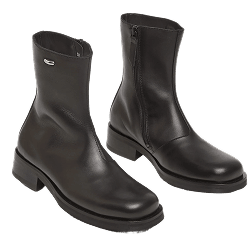
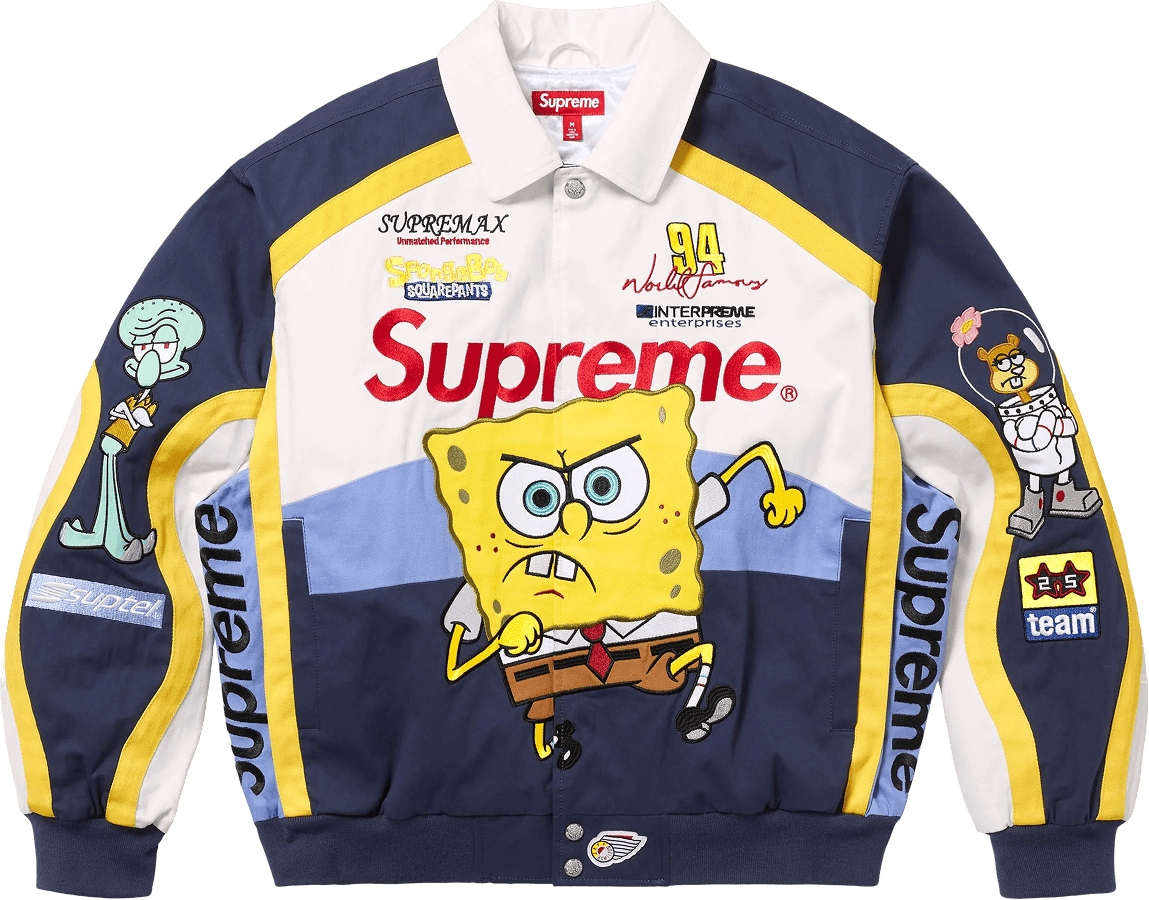
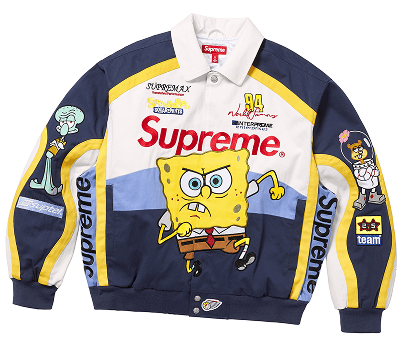
            <div className="scr-cell"><img src="assets/onb_supreme.png" alt=""/><span className="fav">♥</span></div>
            <div className="scr-cell"><img src="assets/onb_jeans.png" alt=""/></div>
            <div className="scr-cell"><img src="assets/onb_tee.png" alt=""/></div>
            <div className="scr-cell"><img src="assets/onb_sweater.png" alt=""/></div>
            <div className="scr-cell"><img src="assets/onb_camo.png" alt=""/><span className="fav">♥</span></div>
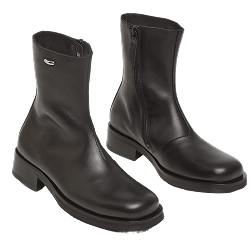
            <div className="scr-cell"><img src="assets/onb_boots.png" alt=""/></div>
            <div className="scr-cell"><img src="assets/onb_loafers.png" alt=""/></div>
            <div className="scr-cell"><img src="assets/onb_sunglasses.png" alt=""/></div>
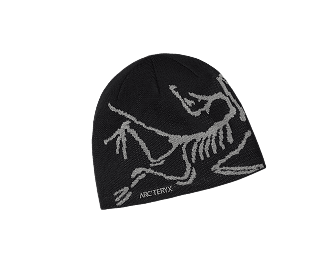
            <div className="scr-cell"><img src="assets/onb_beanie.png" alt=""/></div>
          </div>

          <div className="scr-tab">
            <Icon name="home" size={20} className="t on"/>
            <Icon name="shirt" size={20} className="t"/>
            <div className="plus"><Icon name="plus" size={18} stroke={2.4}/></div>
            <Icon name="shopping" size={20} className="t"/>
            <Icon name="user" size={20} className="t"/>
          </div>
        </div>
      </div>
    </div>
  );
}

function MarketplaceSection() {
  return (
    <section className="section" id="sell">
      <div className="wrap">
        <div className="closet-grid">
          <div>
            <span className="eyebrow">Marketplace</span>
            <h3 style={{
              margin: "14px 0 12px",
              fontFamily: "var(--font-display)",
              fontWeight: 700, letterSpacing: "-0.02em",
              fontSize: "clamp(28px, 4vw, 44px)",
              lineHeight: 1.05,
            }}>
              Sell what you don't wear, <em style={{ fontFamily: "'Cormorant Garamond', Georgia, serif", fontStyle: "italic", fontWeight: 500, color: "var(--fitted-gold-deep)" }}>without leaving the app.</em>
            </h3>
            <p style={{ margin: "0 0 20px", color: "var(--gray-600)", fontSize: "clamp(15px, 1.4vw, 17px)", lineHeight: 1.55, maxWidth: 500 }}>
              Tap any piece in your closet to turn it into a listing. Fitted writes the title, picks the tags, and suggests the price.
            </p>
            <ul className="feature-list">
              <li>AI-drafted listings in seconds — no typing required</li>
              <li>Accept offers and bids in one clean inbox</li>
              <li>Pre-paid shipping labels generated for every sale</li>
              <li>Payouts straight to your Fitted wallet — cash out anytime</li>
            </ul>
            <a
              className="btn primary desktop-only"
              href="https://app.fittedcloset.com"
              data-analytics-event="open_web_app_click"
              data-analytics-cta="marketplace_start_selling"
              data-analytics-target="web_app"
            >
              Start selling
              <Icon name="arrow-right" size={16} className="arrow"/>
            </a>
            <div className="mobile-only">
              <StoreBadges analyticsCta="marketplace_mobile"/>
            </div>
          </div>

          <div className="market-mock">
            <div className="mhead">
              <div className="mtitle">Live on Fitted</div>
              <div className="msub">last 24h</div>
            </div>

            <div className="listing">
              <div className="pthumb"><img src="assets/onb_supreme.png" alt=""/></div>
              <div className="body">
                <div className="t">Supreme Box Hoodie</div>
                <div className="b">FW 21 · Size L · Listed 4h ago</div>
              </div>
              <div style={{ display: "flex", flexDirection: "column", alignItems: "flex-end", gap: 4 }}>
                <span className="badge bid">4 bids</span>
                <span className="price"><s>$520</s>$385</span>
              </div>
            </div>

            <div className="listing">
              <div className="pthumb"><img src="assets/onb_loafers.png" alt=""/></div>
              <div className="body">
                <div className="t">Bass Penny Loafers</div>
                <div className="b">Vintage · Size 9 · Listed 2h ago</div>
              </div>
              <div style={{ display: "flex", flexDirection: "column", alignItems: "flex-end", gap: 4 }}>
                <span className="badge live">Live</span>
                <span className="price">$148</span>
              </div>
            </div>

            <div className="listing">
              <div className="pthumb"><img src="assets/onb_sunglasses.png" alt=""/></div>
              <div className="body">
                <div className="t">Oakley Sub Zero</div>
                <div className="b">Y2K · Sold to @junebug</div>
              </div>
              <div style={{ display: "flex", flexDirection: "column", alignItems: "flex-end", gap: 4 }}>
                <span className="badge sold">Sold</span>
                <span className="price">$220</span>
              </div>
            </div>

            <div className="listing">
              <div className="pthumb"><img src="assets/onb_jeans.png" alt=""/></div>
              <div className="body">
                <div className="t">Levi's 501 — Faded Blue</div>
                <div className="b">Size 32 · Listed 5h ago</div>
              </div>
              <div style={{ display: "flex", flexDirection: "column", alignItems: "flex-end", gap: 4 }}>
                <span className="badge bid">1 offer</span>
                <span className="price">$62</span>
              </div>
            </div>
          </div>
        </div>
      </div>
    </section>
  );
}

function CommunitySection() {
  return (
    <section className="section community" id="community">
      <div className="wrap comm-grid">
        <div className="comm-text">
          <span className="eyebrow">Fitted Social</span>
          <h2>Post your fits.<br/>Get reactions.<br/>Discover <em>new styles.</em></h2>
          <p>With <strong>Fitted Social</strong>, share your look, grow your closet, and get inspired by a community that gets your style.</p>

          <div className="feat-chips">
            <div className="feat-chip">
              <span className="icn lilac"><Icon name="camera" size={20}/></span>
              <h4>Post Fit Pics</h4>
              <p>Add to your closet instantly</p>
            </div>
            <div className="feat-chip">
              <span className="icn pink"><Icon name="heart" size={18}/></span>
              <h4>Get Reactions</h4>
              <p>See what your friends think</p>
            </div>
            <div className="feat-chip">
              <span className="icn mint"><Icon name="chat" size={20}/></span>
              <h4>Comment & Chat</h4>
              <p>Connect and share style tips</p>
            </div>
            <div className="feat-chip">
              <span className="icn butter"><Icon name="sparkles" size={20}/></span>
              <h4>Discover Styles</h4>
              <p>Find new inspo from friends</p>
            </div>
          </div>
        </div>

        <CommunityStage/>
      </div>
    </section>
  );
}

function CommunityStage() {
  return (
    <div className="comm-stage" aria-hidden="true">
      <svg className="swirl" viewBox="0 0 540 510" fill="none">
        <path d="M 460 40 C 510 100, 440 170, 510 230" stroke="#C7C7CC" strokeWidth="1" strokeDasharray="3 5" strokeLinecap="round"/>
        <path d="M 480 340 C 530 380, 470 450, 510 490" stroke="#C7C7CC" strokeWidth="1" strokeDasharray="3 5" strokeLinecap="round"/>
        <path d="M 50 80 C 30 130, 80 180, 30 230" stroke="#C7C7CC" strokeWidth="1" strokeDasharray="3 5" strokeLinecap="round"/>
      </svg>

      <span className="comm-chip c1"><Icon name="users-2" size={26}/></span>
      <span className="comm-chip c2"><Icon name="chat" size={24}/></span>

      <span className="comm-emoji e1">❤️</span>
      <span className="comm-emoji e2">🔥</span>
      <span className="comm-emoji e3">😍</span>

      <div className="comm-phone a">
        <div className="pscreen">
          <FitPicMini/>
        </div>
      </div>
      <div className="comm-phone b">
        <div className="pscreen">
          <DiscoverMini/>
        </div>
      </div>

    </div>
  );
}

function FitPicMini() {
  return (
    <div className="fp">
      <div className="fp-head">
        <span className="av"><img src="assets/face2.jpg" alt=""/></span>
        <span className="n">Savannah</span>
        <span className="t">17h ago</span>
      </div>
      <div className="fp-img" style={{ backgroundImage: "url(assets/fitpic_1.jpg)" }}/>
      <div className="fp-react">
        <span className="r">🔥 14</span>
        <span className="r">😍 6</span>
        <span className="r">❤️ 4</span>
      </div>
      <div className="fp-comment">
        <span className="av"><img src="assets/face3.jpg" alt=""/></span>
        <div className="body">
          <div className="n">Reid M <span style={{ color: "var(--accent-green)" }}>✓</span></div>
          <div className="x">Love this fit 🔥</div>
          <div className="t">19h · Reply</div>
        </div>
      </div>
    </div>
  );
}

function DiscoverMini() {
  return (
    <div className="dc">
      <h6>Discover</h6>
      <div className="dc-search"><Icon name="search" size={9} stroke={2.4}/> Search styles, people…</div>
      <div className="dc-stories">
        <div className="st"><span className="av"><img src="assets/face1.jpg" alt=""/></span><span className="n">You</span></div>
        <div className="st"><span className="av"><img src="assets/face2.jpg" alt=""/></span><span className="n">Ava</span></div>
        <div className="st"><span className="av"><img src="assets/face3.jpg" alt=""/></span><span className="n">Reid</span></div>
        <div className="st"><span className="av"><img src="assets/face4.jpg" alt=""/></span><span className="n">Kim</span></div>
      </div>
      <div className="dc-tabs">
        <span className="on">For You</span>
        <span className="off">Following</span>
      </div>
      <div className="dc-grid">
        <div className="t" style={{ backgroundImage: "url(assets/fitpic_2.jpg)" }}/>
        <div className="t" style={{ backgroundImage: "url(assets/fitpic_3.jpg)" }}/>
        <div className="t" style={{ backgroundImage: "url(assets/fitpic_1.jpg)" }}/>
        <div className="t" style={{ backgroundImage: "url(assets/community.jpg)" }}/>
      </div>
    </div>
  );
}

/* ============================================================
   PARTNERS — marquee of partner logos
   ============================================================ */
function Partnerships() {
  const partners = [
    { cls: "aw", initial: "A", name: "AccuWeather" },
    { cls: "po", initial: "P", name: "Poshmark" },
    { cls: "tr", initial: "T", name: "TaskRabbit" },
    { cls: "so", initial: "S", name: "Solana" },
  ];
  const loop = [...partners, ...partners, ...partners];
  return (
    <section className="partners" aria-label="Partners">
      <div className="h">Partnered with</div>
      <div className="marq">
        <div className="marq-track">
          {loop.map((p, i) => (
            <span key={i} className={`logo ${p.cls}`}>
              <span className="mk">{p.initial}</span>
              {p.name}
            </span>
          ))}
        </div>
      </div>
    </section>
  );
}

function QuoteSection() {
  return (
    <section className="quote-sec">
      <div className="wrap">
        <div className="quote-card">
          <div className="mark">"</div>
          <blockquote>
            Uploading pieces was a breeze and it's <em style={{ fontFamily: "'Cormorant Garamond', Georgia, serif", fontStyle: "italic", color: "var(--fitted-gold-deep)" }}>crazy</em> how the AI detects brands and size. Made $1,400 in the first month just listing things I forgot I owned.
          </blockquote>
          <cite><strong>Brian</strong>· Los Angeles · 312 pieces</cite>
        </div>
      </div>
    </section>
  );
}

function BigCTA() {
  return (
    <section className="section" style={{ padding: 0 }}>
      <div className="big-cta">
        <h2>Your closet, <em>finally</em><br/>in your pocket.</h2>
        <p>Free to start. Catalog your first 50 pieces in under 10 minutes.</p>
        <div className="ctas">
          <StoreBadges analyticsCta="final_download"/>
          <a
            className="btn gold desktop-only"
            href="https://app.fittedcloset.com"
            data-analytics-event="open_web_app_click"
            data-analytics-cta="final_sign_up_web"
            data-analytics-target="web_app"
          >
            Sign up on the web
            <Icon name="arrow-right" size={16} className="arrow"/>
          </a>
        </div>
      </div>
    </section>
  );
}

function FAQSection() {
  const qs = [
    {
      q: "Is Fitted free?",
      a: "Catalog your closet, post FitPics, follow friends, and use AskFitted's basics — all free. A Fitted+ membership unlocks unlimited AI styling, advanced Neckworth analytics, priority Marketplace crossposting, and Digital Twin try-on.",
    },
    {
      q: "How does the AI cataloging actually work?",
      a: "Six ways: snap a photo, search by name, scan a barcode, import from a Fit Pic, connect Gmail to auto-import receipts, or pick from your photo library. Our model identifies brand, category, color, era, material and an estimated value — all editable. Most users finish 30 pieces in under 5 minutes.",
    },
    {
      q: "Where does Fitted list my items?",
      a: "Listings live inside the Fitted marketplace — a community of 750k+ fashion lovers actively browsing and bidding. We write the title, pick the tags, suggest a price, and generate the shipping label when it sells.",
    },
    {
      q: "Is there a web version?",
      a: "Yes — sign up at app.fittedcloset.com to manage your closet, listings and AskFitted chats from any browser. The full camera-based cataloging experience lives in the iOS app.",
    },
    {
      q: "What's Neckworth?",
      a: "Your closet's total estimated resale value, tracked daily. It updates as you add pieces, the market shifts, or you sell. There's a Neckworth leaderboard for friends — yes, it gets competitive.",
    },
    {
      q: "Android?",
      a: "Yes — Fitted is live on both the App Store and Google Play. Same closet, same Neckworth, same AskFitted. Sign in on any device, in any browser, and your wardrobe follows you.",
    },
  ];
  return (
    <section className="section" id="faq">
      <div className="wrap">
        <div className="section-head center">
          <span className="eyebrow">FAQ</span>
          <h2>Questions, <em>asked.</em></h2>
        </div>
        <div className="faq">
          {qs.map((it, i) => (
            <details key={i} open={i === 0}>
              <summary>{it.q}</summary>
              <p>{it.a}</p>
            </details>
          ))}
        </div>
      </div>
    </section>
  );
}

function Footer() {
  return (
    <footer className="footer">
      <div className="wrap">
        <div className="footer-grid">
          <div className="footer-brand">
            <span className="b1">
              <img src="assets/app_icon.png" alt=""/>
              Fitted
            </span>
            <p>Your closet, digitized. Style, sell, and share — all from one beautiful app.</p>
            <StoreBadges analyticsCta="footer_download"/>
          </div>
          <div>
            <h5>Product</h5>
            <ul>
              <li><a href="#how">How it works</a></li>
              <li><a href="#stylist">AskFitted</a></li>
              <li><a href="#closet">Neckworth</a></li>
              <li><a href="#sell">Marketplace</a></li>
              <li><a href="#community">FitPics</a></li>
            </ul>
          </div>
          <div>
            <h5>Company</h5>
            <ul>
              <li><a href="#">About</a></li>
              <li><a href="#">Press</a></li>
              <li><a href="#">Contact</a></li>
            </ul>
          </div>
          <div>
            <h5>Legal</h5>
            <ul>
              <li><a href="https://app.fittedcloset.com/pc/pp.html" target="_blank" rel="noopener noreferrer">Privacy Policy</a></li>
              <li><a href="https://app.fittedcloset.com/pc/ts.html" target="_blank" rel="noopener noreferrer">Terms of Service</a></li>
            </ul>
          </div>
        </div>
        <div className="wrap footer-bottom">
          <span>© 2026 FittedCloset, Inc. — Made for closets in NYC + LA.</span>
          <div style={{ display: "flex", gap: 14, alignItems: "center", color: "var(--gray-600)" }}>
            <a href="https://www.instagram.com/myfittedcloset" aria-label="Instagram"><Icon name="instagram" size={18}/></a>
            <a href="https://www.tiktok.com/@myfittedcloset" aria-label="TikTok"><Icon name="tiktok" size={18}/></a>
            <a href="https://x.com/fittedcloset" aria-label="X"><Icon name="x" size={18}/></a>
          </div>
        </div>
      </div>
    </footer>
  );
}

Object.assign(window, {
  TrustStrip, BuildCloset, BuildClosetStage,
  AskFittedSection, ChatMock,
  ClosetSection, PhoneCloset, MarketplaceSection,
  CommunitySection, CommunityStage, FitPicMini, DiscoverMini,
  Partnerships,
  QuoteSection, BigCTA, FAQSection, Footer,
});